GPT Image 2 Quality-First Image Generation
OpenAI's next-generation image model with state-of-the-art photorealism, pixel-perfect text rendering, and brand-consistent product photography, launched April 21, 2026. Quality-first architecture designed for the highest fidelity output.
Start building with the GPT Image 2 API
Text-to-image generation and image editing endpoints, both available via API.
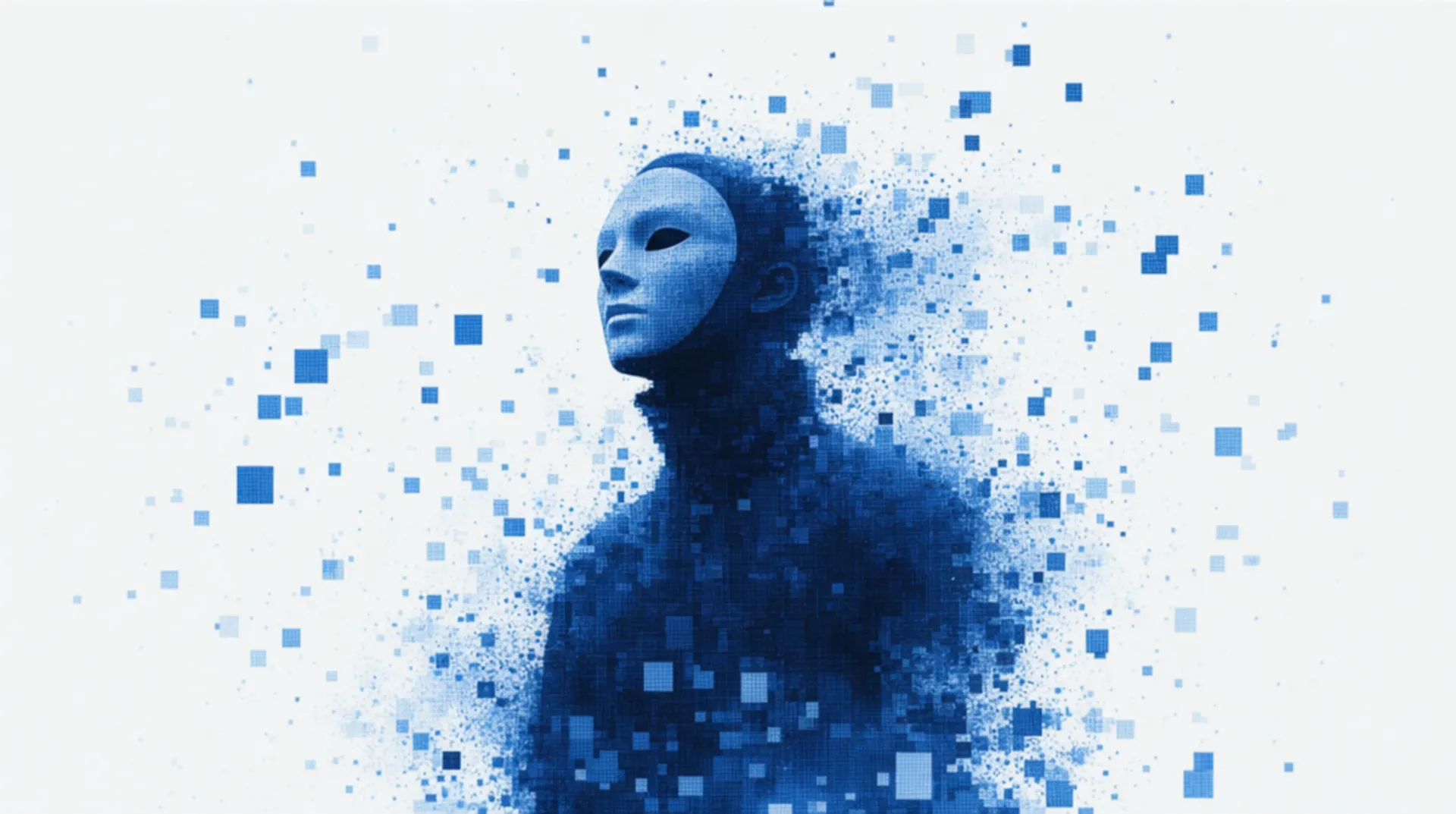
GPT Image 2, OpenAI's latest image model, is capable of creating extremely detailed images with fine typography.
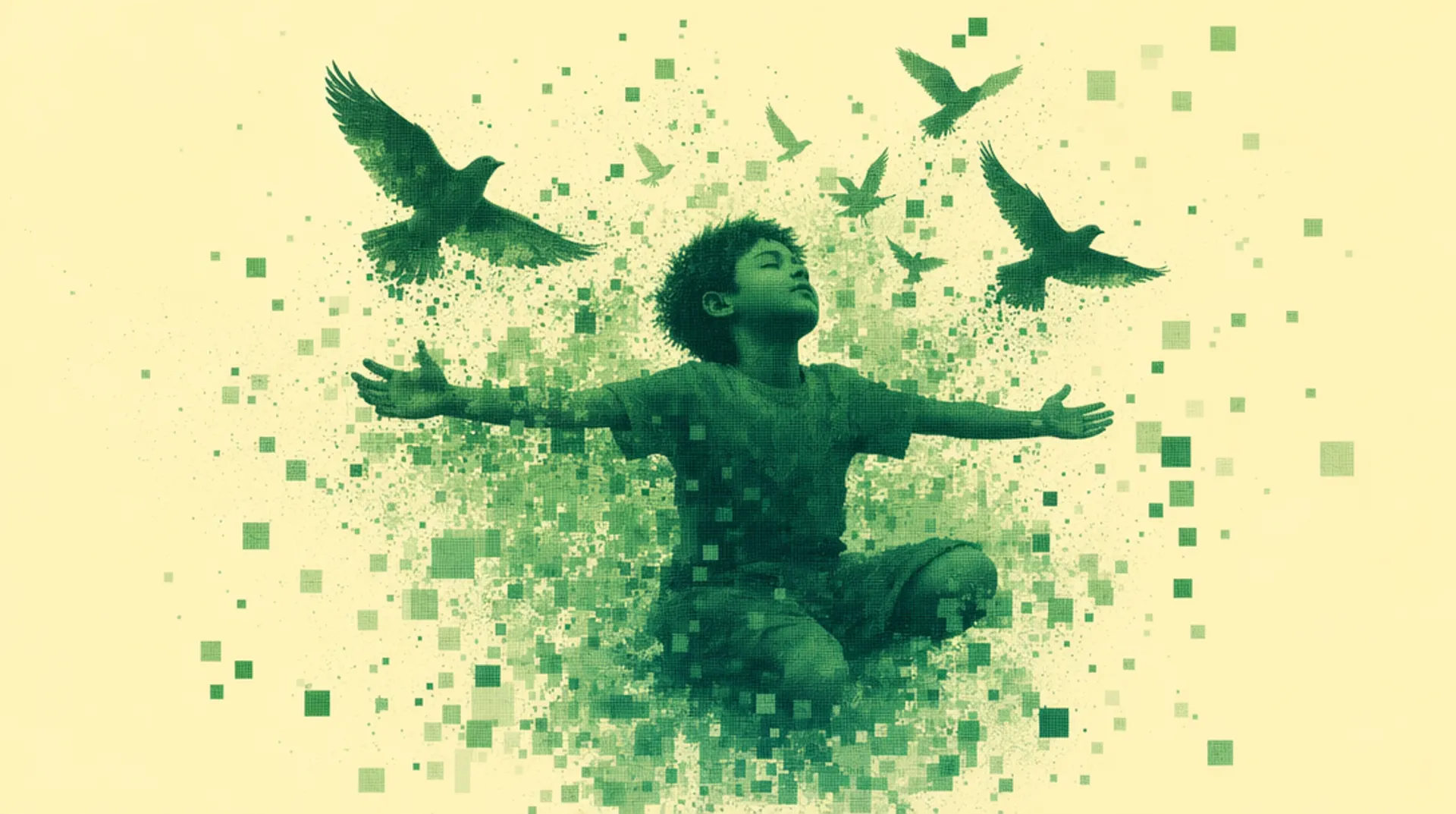
GPT Image 2, OpenAI's latest image model, is capable of making fine-grained, detailed edits to images.
How to access the GPT Image 2 API
The client API handles the request submit protocol. It will handle the request status updates and return the result when the request is completed.
import { fal } from "@fal-ai/client";

const result = await fal.subscribe("openai/gpt-image-2", {
  input: {
    prompt: "A product photo of a coffee bag labeled 'Summit Roast' with mountain artwork, on a rustic wooden table",
    image_size: "landscape_16_9",
    quality: "high",
  },
  logs: true,
  onQueueUpdate: (update) => {
    if (update.status === "IN_PROGRESS") {
      update.logs.map((log) => log.message).forEach(console.log);
    }
  },
});

console.log(result.data);
console.log(result.requestId);
Next-Generation Image Quality
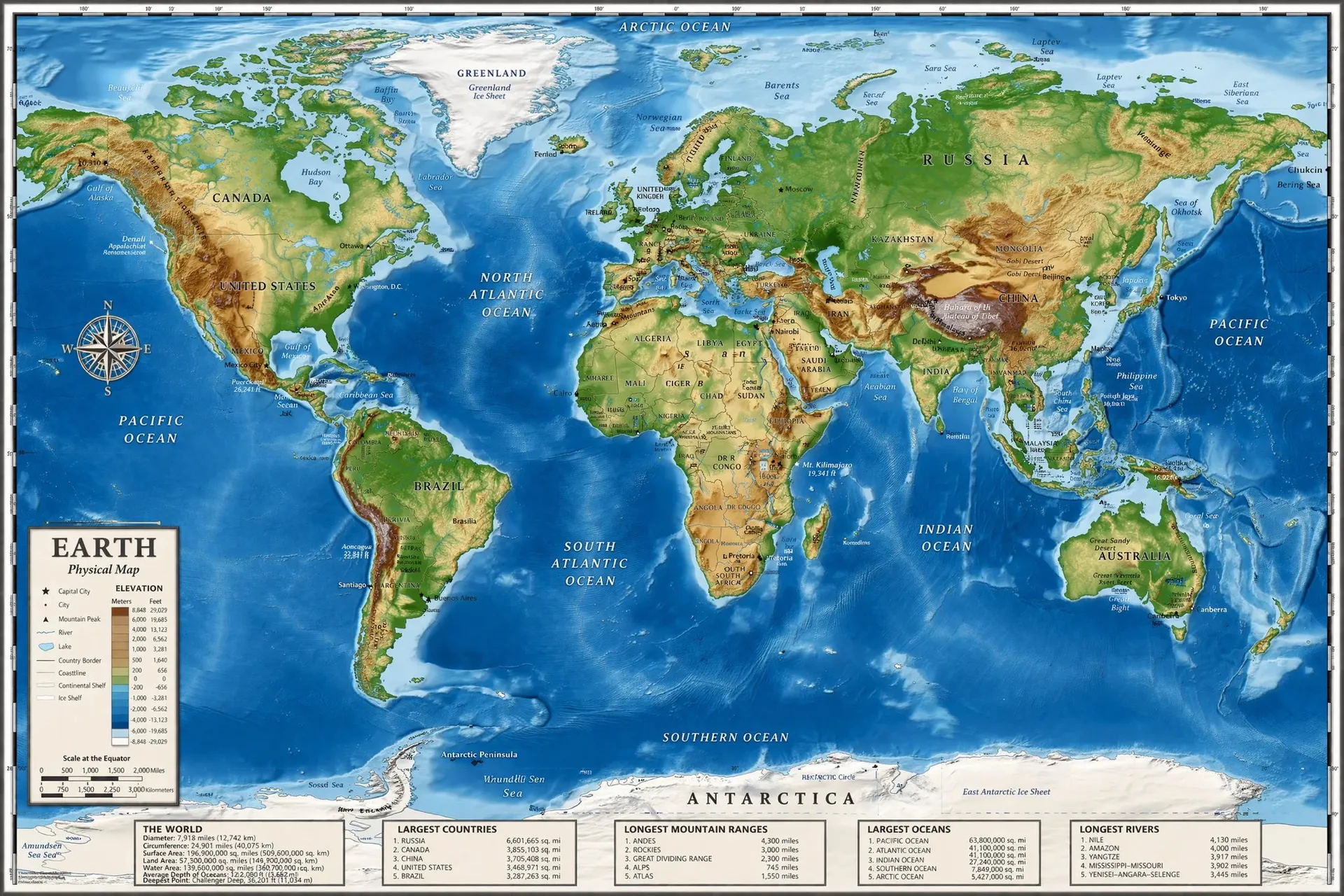
Production-Ready Text Rendering
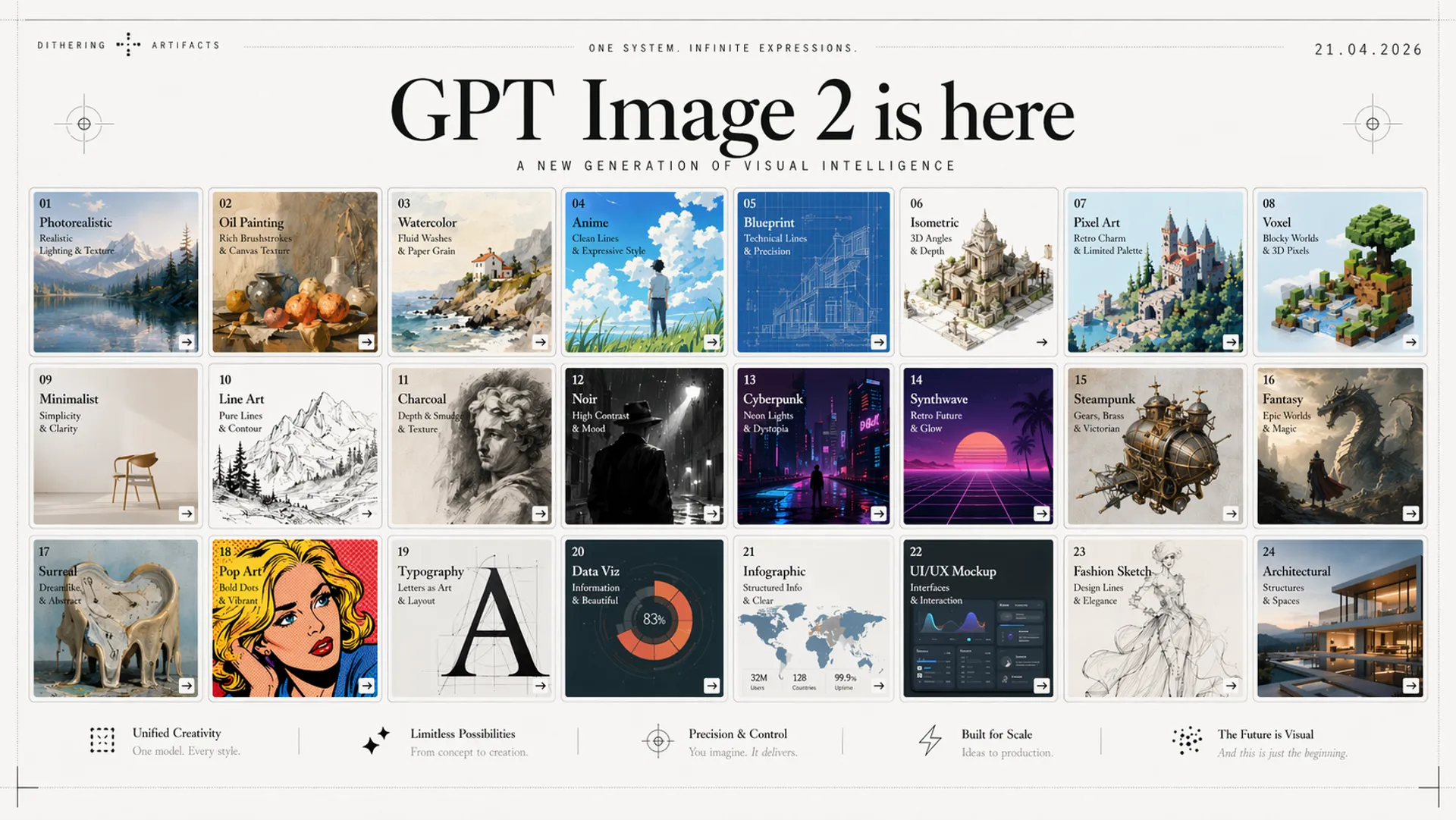
GPT Image 2 renders text with unprecedented accuracy. Dense paragraphs, small lettering, and complex multilingual layouts all come out clean and legible on the first try. Infographics, marketing materials, signage, and UI mockups with no more garbled characters or broken word spacing.
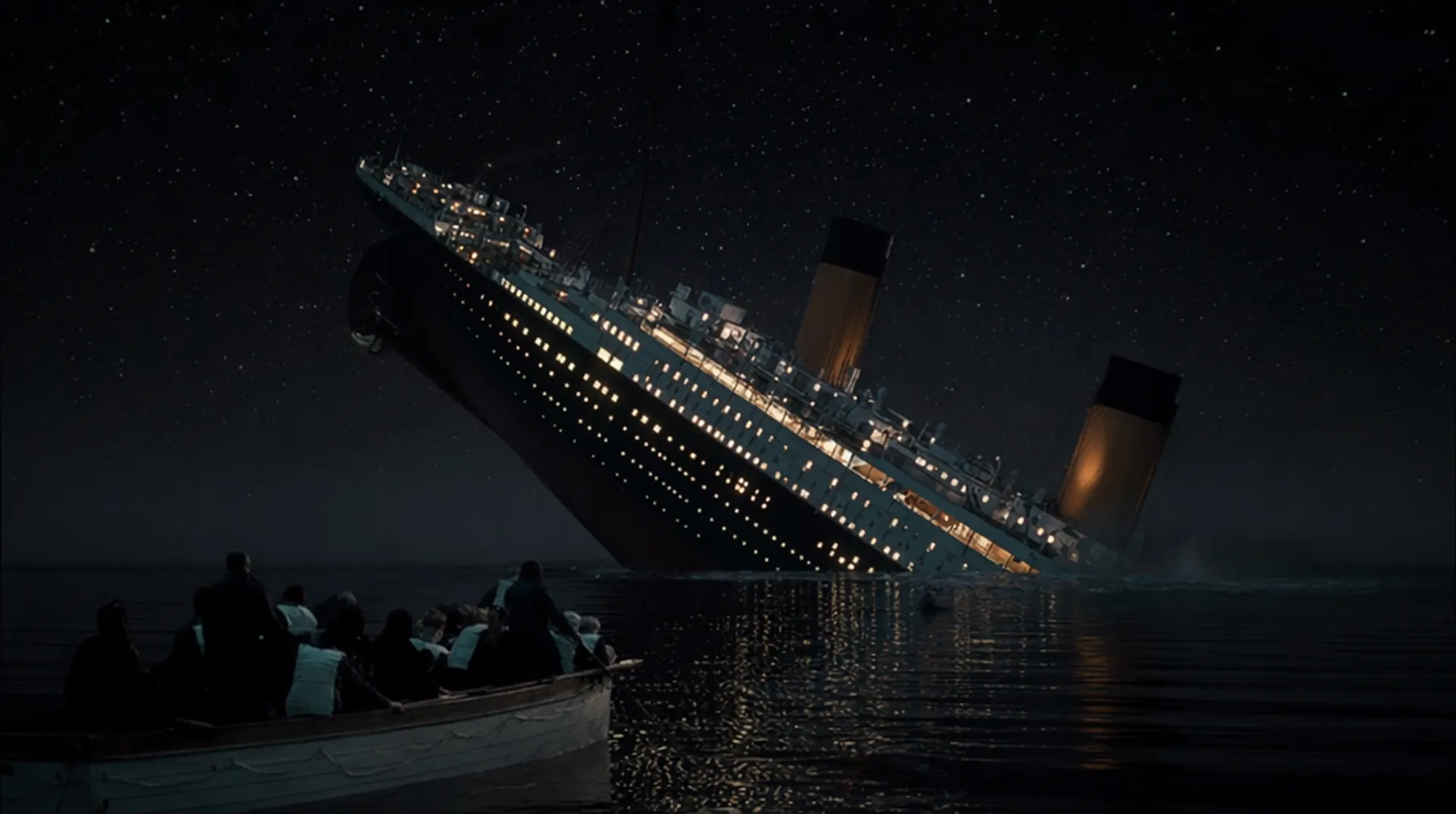
State-of-the-Art Realism
A quality-first architecture that prioritises photorealistic output above all else. Lighting, materials, skin textures, and environmental details are rendered with a level of fidelity that sets a new standard for AI-generated imagery.
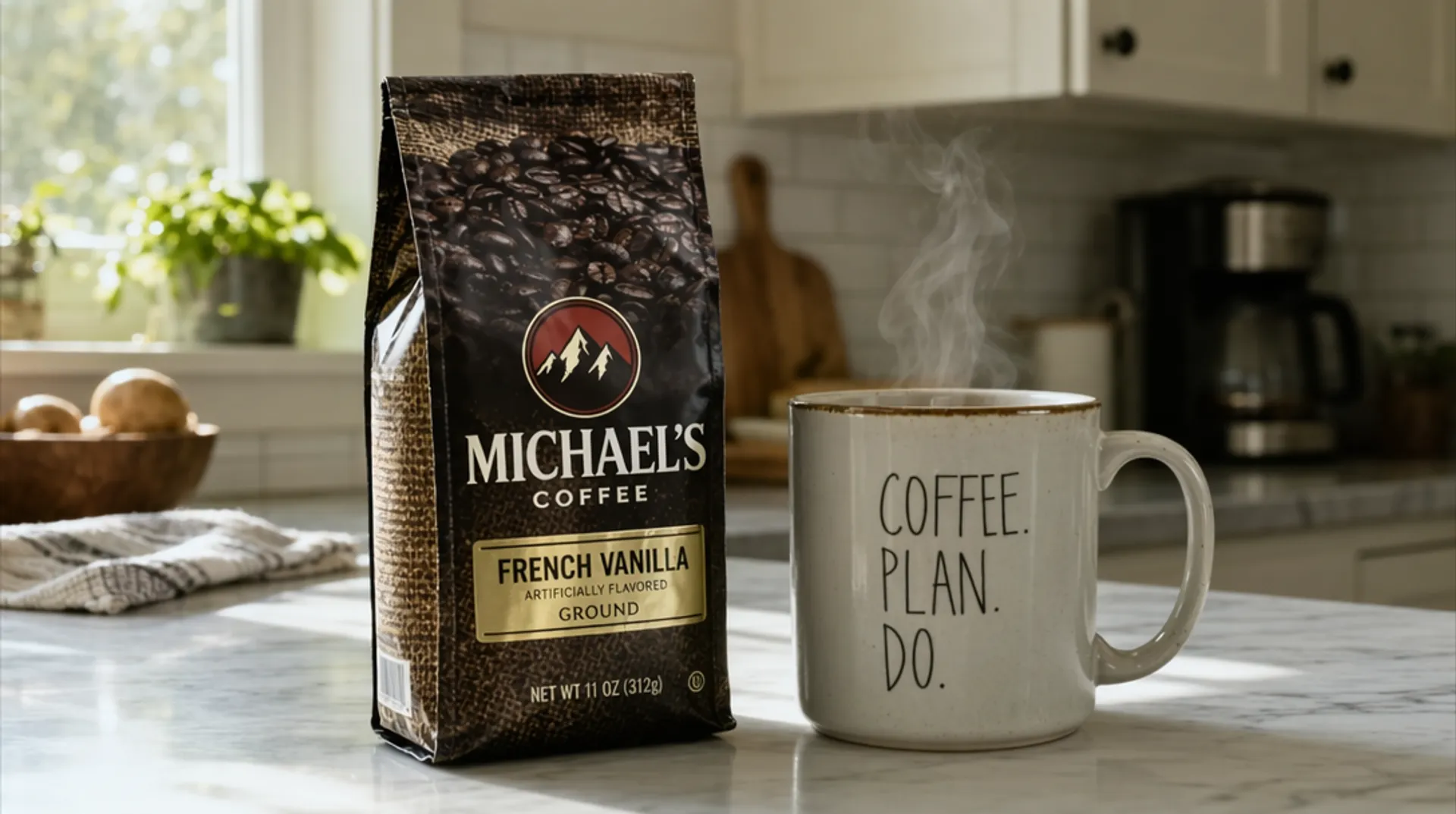
Brand-Consistent Product Shots
Generate product photography with accurate text on labels, logos, and packaging. GPT Image 2 maintains brand consistency across shots with readable ingredient lists, correct colour palettes, and precise logo reproduction. Ideal for e-commerce, catalogues, and marketing assets.
Industries Using the GPT Image 2 API
From e-commerce brands to design studios, teams across industries are building with GPT Image 2 on fal.
E-Commerce Product Photography at Scale
Generate product shots with accurate text on labels, logos, and packaging. GPT Image 2 maintains brand consistency across hundreds of SKUs with readable ingredient lists, correct colour palettes, and precise logo reproduction.
Marketing Infographics & Social Media Assets
Create infographics, carousel slides, and social posts with clean, legible text. Dense paragraphs, small lettering, and multilingual layouts all render correctly on the first try.
Rapid UI Prototyping & Design Exploration
Generate pixel-perfect UI mockups with realistic content, navigation elements, and typography. Ideal for rapid prototyping, design reviews, and client presentations without building anything in code.
Photorealistic Lifestyle & Campaign Shots
Produce editorial-quality lifestyle photography with natural lighting, authentic textures, and cinematic composition.
Global Content Localisation
Render text in any language with correct character shapes and layout. Translate marketing materials, signage, and packaging into new markets without re-shooting or re-designing from scratch.
Architectural Visualisation & Technical Illustration
Generate architectural renders, engineering diagrams, and technical illustrations with accurate annotations, measurements, and labels. GPT Image 2 handles complex layouts with precision.
See what GPT Image 2 can create
Example prompts showcasing GPT Image 2's core strengths in text rendering, photorealism, and product photography.
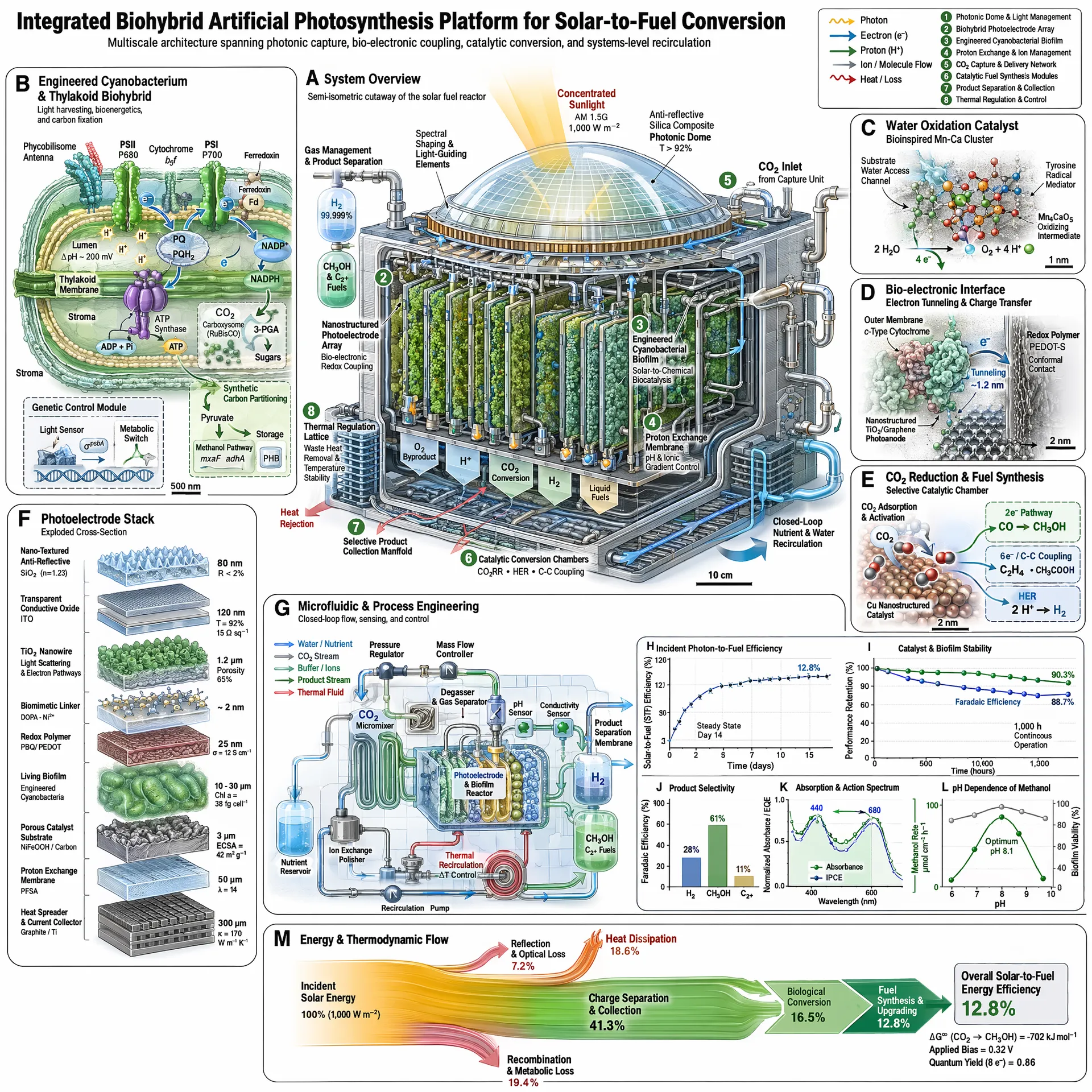
"A detailed scientific infographic of an integrated biohybrid artificial photosynthesis platform for solar-to-fuel conversion, with labeled cross-section diagrams, molecular structures, efficiency charts, and process flow annotations"
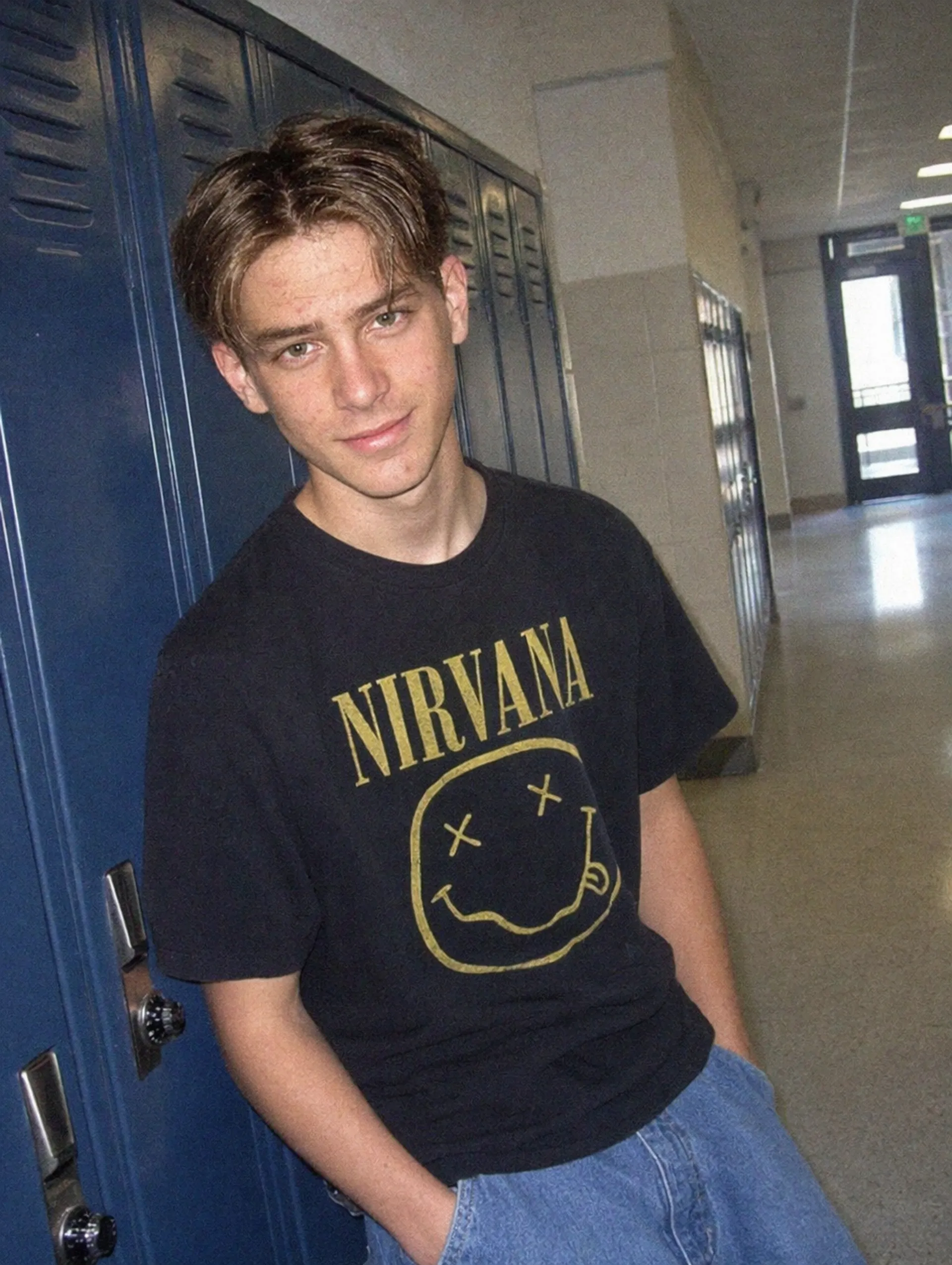
"A photorealistic 35mm film photograph of a teenage boy leaning against blue school lockers in a hallway, wearing a black Nirvana t-shirt with the smiley face logo and light wash jeans, natural fluorescent lighting, 1990s aesthetic"
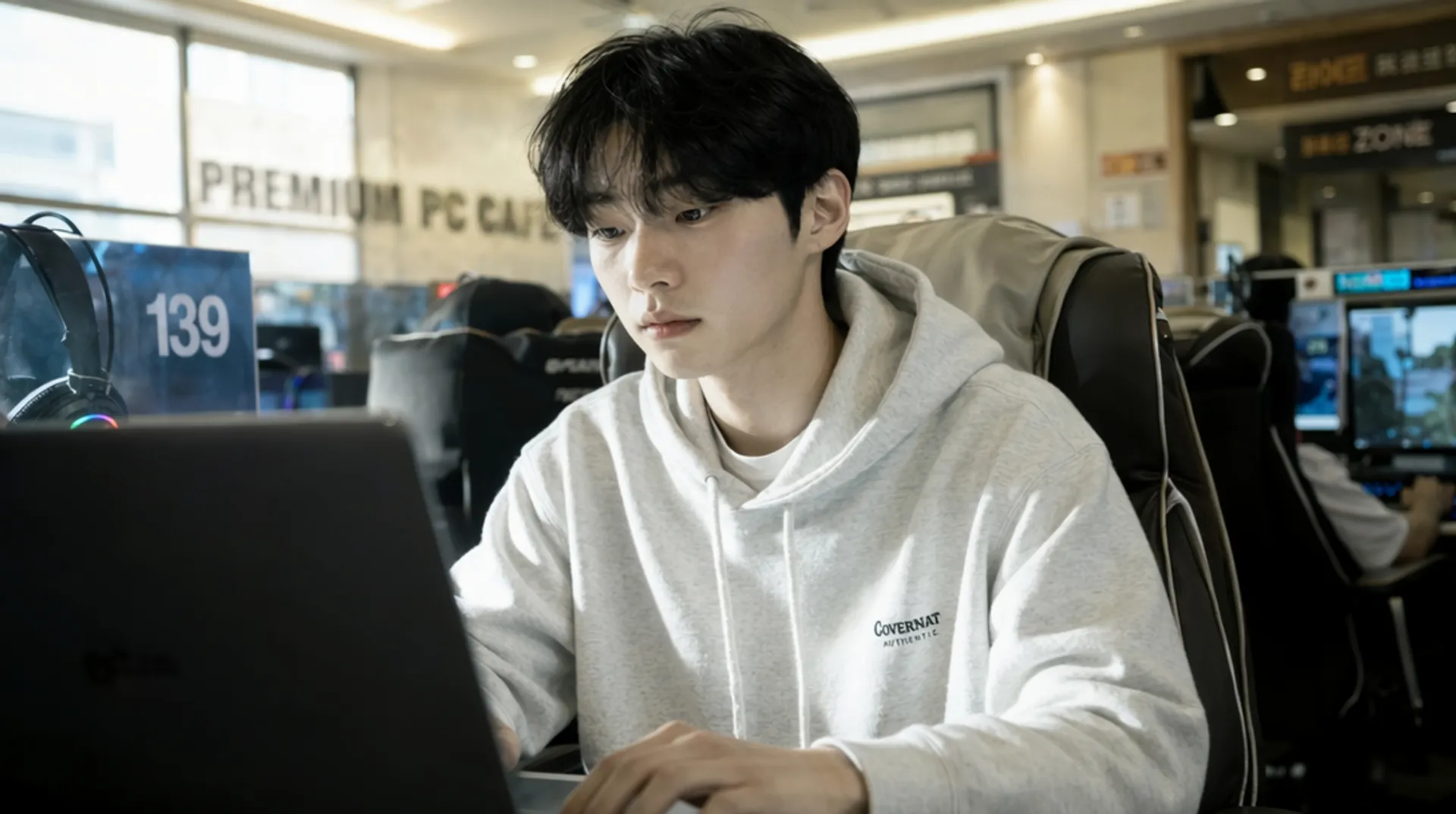
"A photorealistic candid shot of a young man in a light grey Covernat hoodie sitting at station 139 in a premium PC cafe, focused on his laptop screen, soft window light mixing with monitor glow, shallow depth of field"
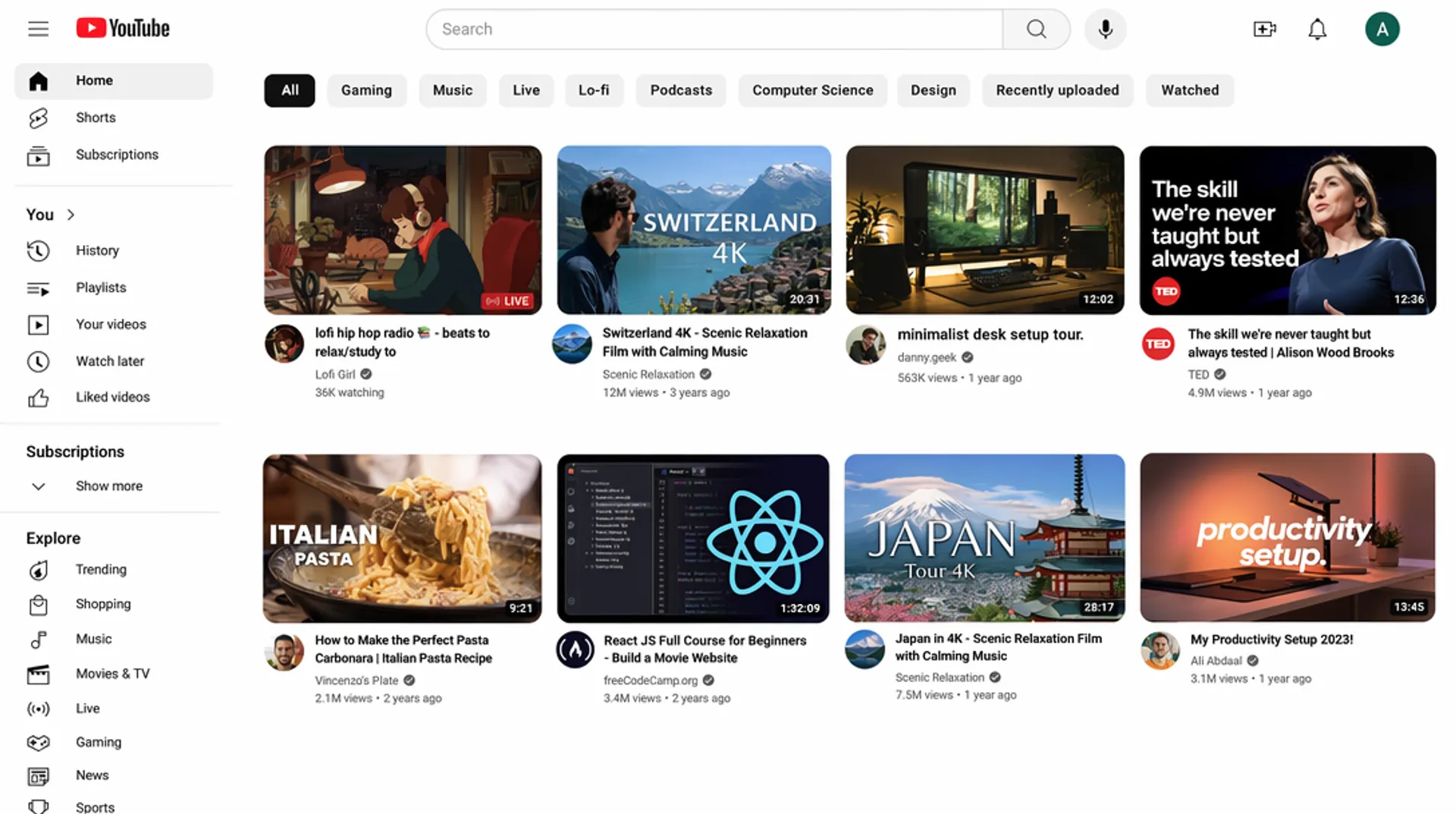
"A pixel-perfect recreation of the YouTube homepage UI with a left sidebar showing Home, Shorts, Subscriptions, History, and Explore sections, a top navigation bar with search and profile icon, category filter chips, and an 8-video thumbnail grid with realistic titles, channel names, view counts, and duration stamps"
Common questions about GPT Image 2
What is GPT Image 2?
GPT Image 2 is OpenAI's next-generation image generation model, designed as the successor to GPT Image 1.5. It prioritises quality over speed, delivering state-of-the-art photorealism, pixel-perfect text rendering, and brand-consistent product photography.
What are GPT Image 2's main strengths?
Three standout capabilities: (1) text rendering that handles dense text, small lettering, multilingual characters, and complex layouts like infographics and marketing materials; (2) photorealism with a quality-first architecture that produces images with exceptional fidelity; (3) product photography with accurate text on labels, logos, and packaging for brand-consistent shots.
Is GPT Image 2 available on fal.ai?
Yes. GPT Image 2 is available now on fal.ai via both the playground and the API. You can generate images from text prompts and edit existing images.
How much does GPT Image 2 cost?
Pricing starts at $0.01/image for low quality at 1024x768 and goes up to $0.41/image for high quality at 4K resolution. Pay per image, no minimums or subscriptions. Contact sales for enterprise pricing.
How does GPT Image 2 compare to GPT Image 1.5?
GPT Image 2 is the next generation of OpenAI's image models. While GPT Image 1.5 balanced speed and quality, GPT Image 2 takes a quality-first approach, prioritising photorealism, text accuracy, and output fidelity. It represents a significant step forward in image generation quality.
Can I use GPT Image 2 for commercial projects?
Yes. Images generated through the fal.ai API can be used in commercial projects. Check fal.ai's terms of service for full details on usage rights and licensing.
How do I get started with the API?
Install the fal.ai SDK (Python or JavaScript), grab an API key from your dashboard, and make your first request in a few lines of code. Serverless, no GPUs to manage. Check the API documentation for all available parameters.
GPT Image 2 API Integration Steps
Get up and running in minutes. No GPUs to manage, no infrastructure to set up.
- 1Install the client
Pick your package manager. For Python, use pip.
npm install --save @fal-ai/client
- 2Create an account on fal
Sign up to get access to the dashboard and your API keys.
- 3Get your API key
Locate your API credentials in the developer dashboard. Set
FAL_KEYas an environment variable in your runtime. - 4Submit a request
Use
fal.subscribe()to submit your request with a prompt and parameters. The client handles the async queue automatically and returns the final image URL when generation is complete.
No setup required
Start generating GPT Image 2 images instantly in the playground. No API key needed, just describe your image and hit generate.
Open Playground →Integrate via API
Grab an API key from your dashboard and integrate GPT Image 2 into your app with a few lines of code. Python and JavaScript SDKs available, plus a REST API for any language.
Get API Key →Learn how to prompt GPT Image 2
Tips, techniques, and best practices for getting the most out of GPT Image 2 across text rendering, photorealism, and product photography.
Prompting Guide →


Ready to transform your enterprise with AI?
Take the first step towards AI-driven innovation. Our team of ML engineers is ready to help you prototype, develop, and scale your AI solutions.